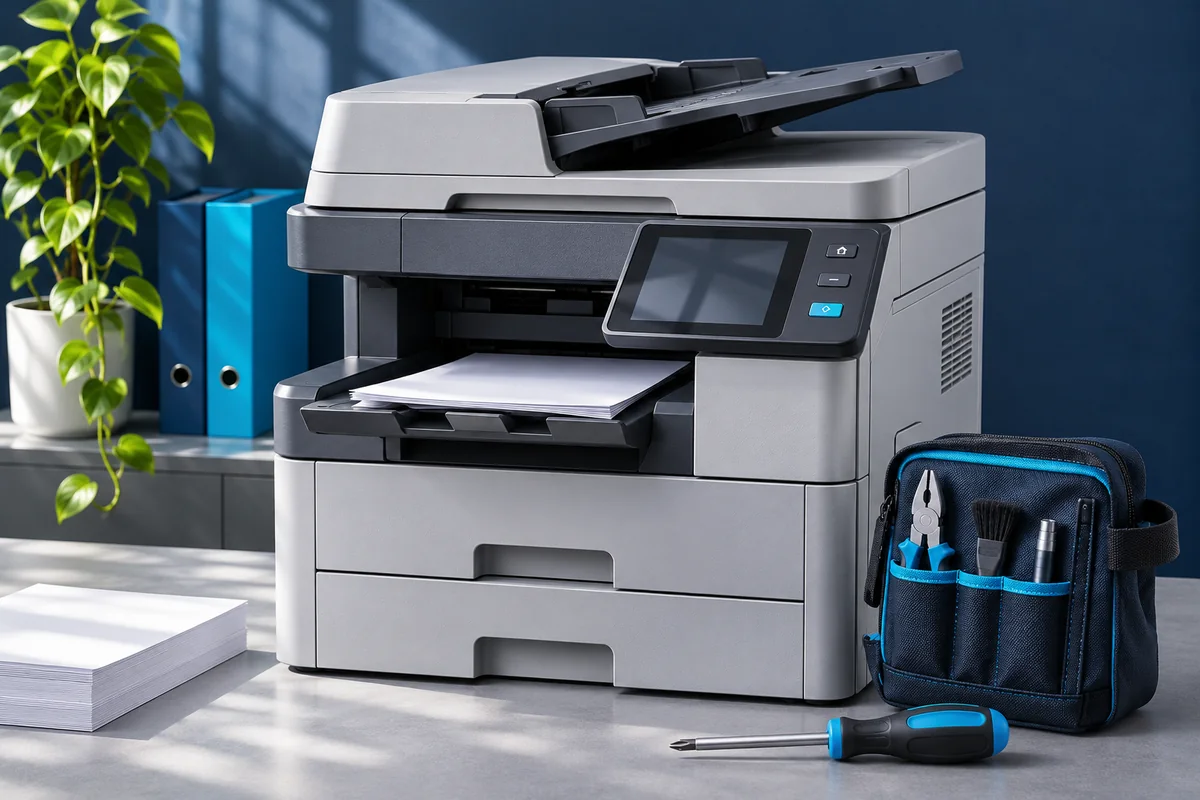
Identify the machine
Photograph the model name on the front of the copier or its identification label. Include whether it is a colour or black-and-white machine. A brand name alone may cover many different machines, so the model helps the service team understand the request.
If a maintenance agreement or warranty applies, have its details ready. Explain any recent repair, part replacement or change in behaviour. This gives the technician useful context without requiring you to diagnose the fault yourself.
Describe what happens
Use observable details: “a line appears on every copy,” “paper stops in the same place,” or “the machine displays this code when starting.” Photograph the exact message and keep a sample of the faulty output.
- Does the problem affect copies, computer printouts or both?
- Does it happen on every page or only sometimes?
- Does it affect one paper tray or several?
- When was the machine last working normally?
Use a blank or non-confidential sample when possible. You do not need to send customer records or private documents to show a print-quality issue.
Confirm the visit details
Share the full address, a nearby landmark, an on-site contact and the times someone can provide access. Mention stairs, access restrictions or other practical details that affect a visit. Confirm whether your location is covered and when a technician can attend.
Ask about the visit or diagnosis charge, how a repair estimate will be approved, and whether replacement parts are quoted separately. The first phone call cannot establish every fault or guarantee that all repairs can be completed on site.
Prepare for the technician
Keep the error photo, sample output and service history together. Make the area around the machine accessible. Follow the manufacturer’s user instructions for any normal operator tasks; avoid opening service-only panels, bypassing interlocks or attempting internal electrical repairs.
If the machine shows signs of overheating, smoke or a burning smell, stop using it and seek qualified assistance. A service booking is not a substitute for the machine’s safety instructions.
Contact your local branch
Thiruvananthapuram: Rose Nagar, Sreekaryam. Call 70127 08012.
Thrissur: 14/565A, New Bazar, Paravattani. Call 97444 47676.
Service brands shown in our branch information include Canon, Epson, Kyocera, RISO, Ricoh, Konica Minolta and HP. Confirm support for your particular model when booking. See both branch addresses and contact links before visiting.